Loading...
Searching...
No Matches
ftxui
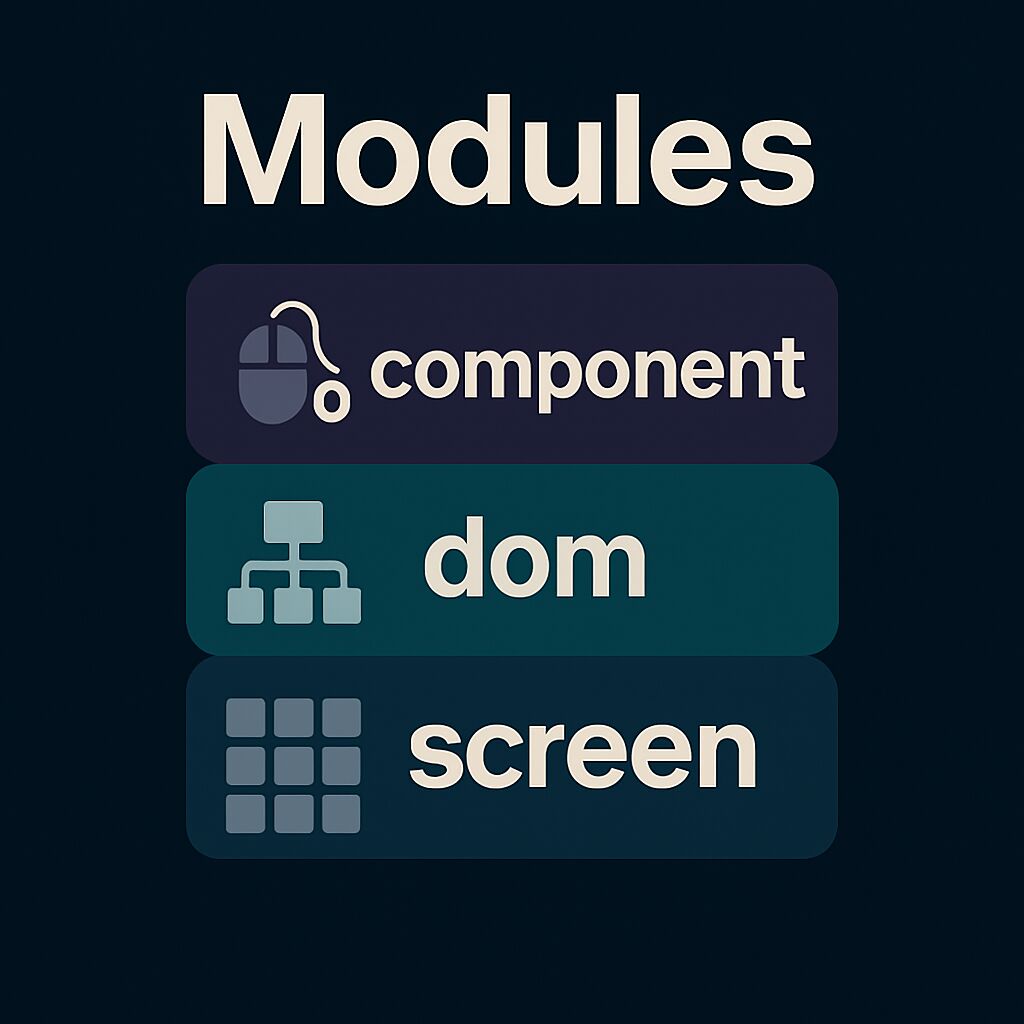
FTXUI is organized into three modules, each building upon the previous:
- ftxui/screen - Low-level rendering
- ftxui/dom - Layout and composition
- ftxui/component - User interaction
Alternatively, you can use the ftxui umbrella module which includes everything:
- Header:
#include <ftxui/ftxui.hpp> - CMake target:
ftxui::ftxui - Bazel target:
@ftxui//:ftxui
ftxui/screen
Defines:
ftxui::Screen: a 2D grid of styled characters.ftxui::Cell: the unit of rendering.- Helpers like
ftxui::ColorandDimension.
Use for direct terminal drawing and styling.
ftxui/dom
Provides:
ftxui::Element: a tree structure for layout and UI.- Composable and responsive elements.
Render()to draw onto aScreen.
Ideal for structured, styled UIs.
ftxui/component
Adds:
ftxui::Component: stateful, interactive widgets.- Built-ins:
Checkbox,Input,Menu,Button. - Supports keyboard/cursor input and composition.
Use for interactive apps.
Modules can be used independently, or together: screen → dom → component.